MX3 Air Mouse – Remote, Mouse & Wireless Keyboard
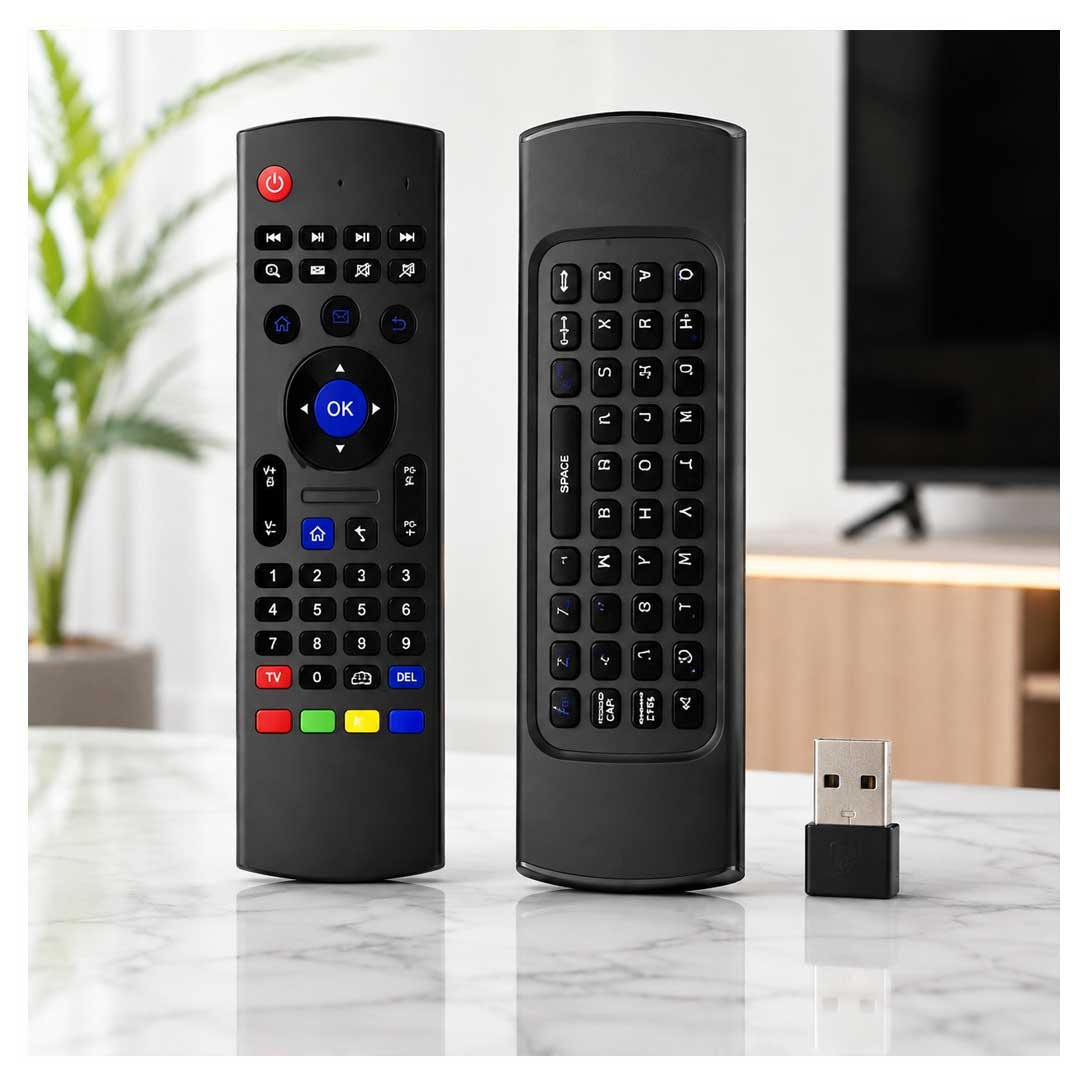
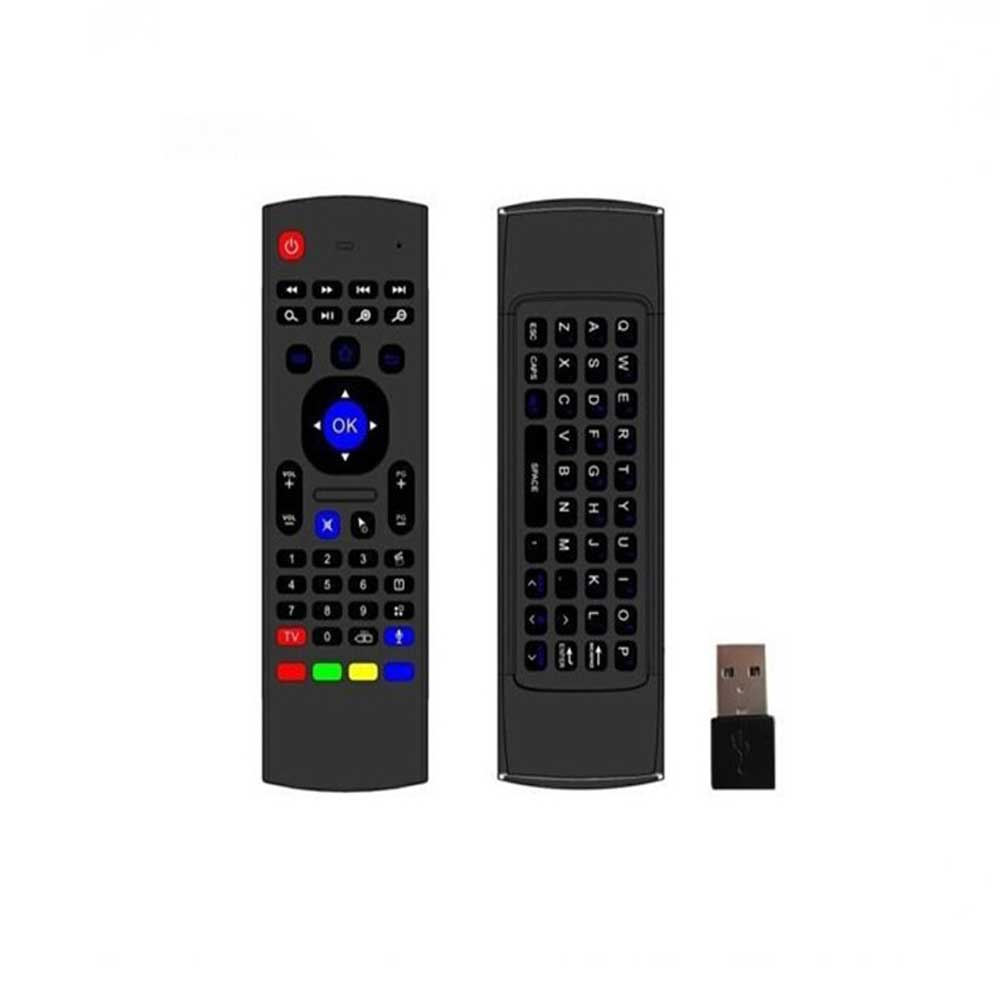
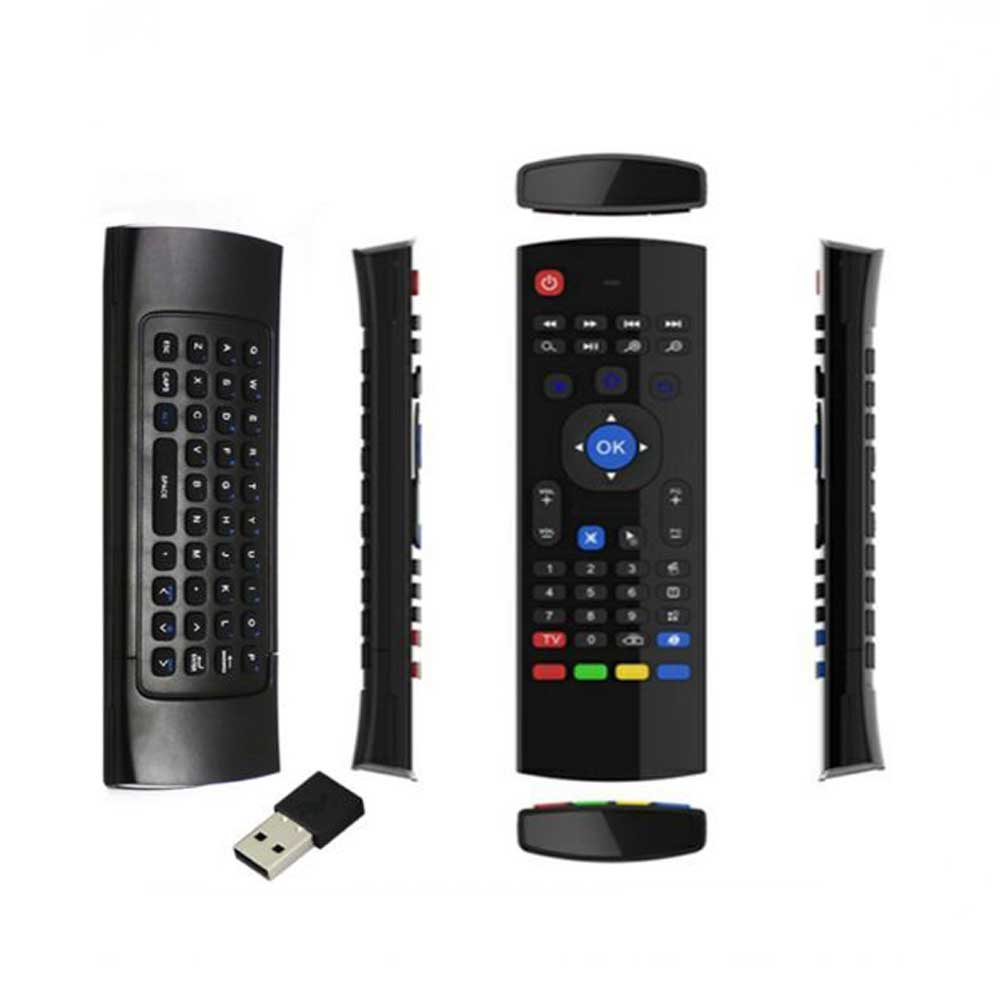
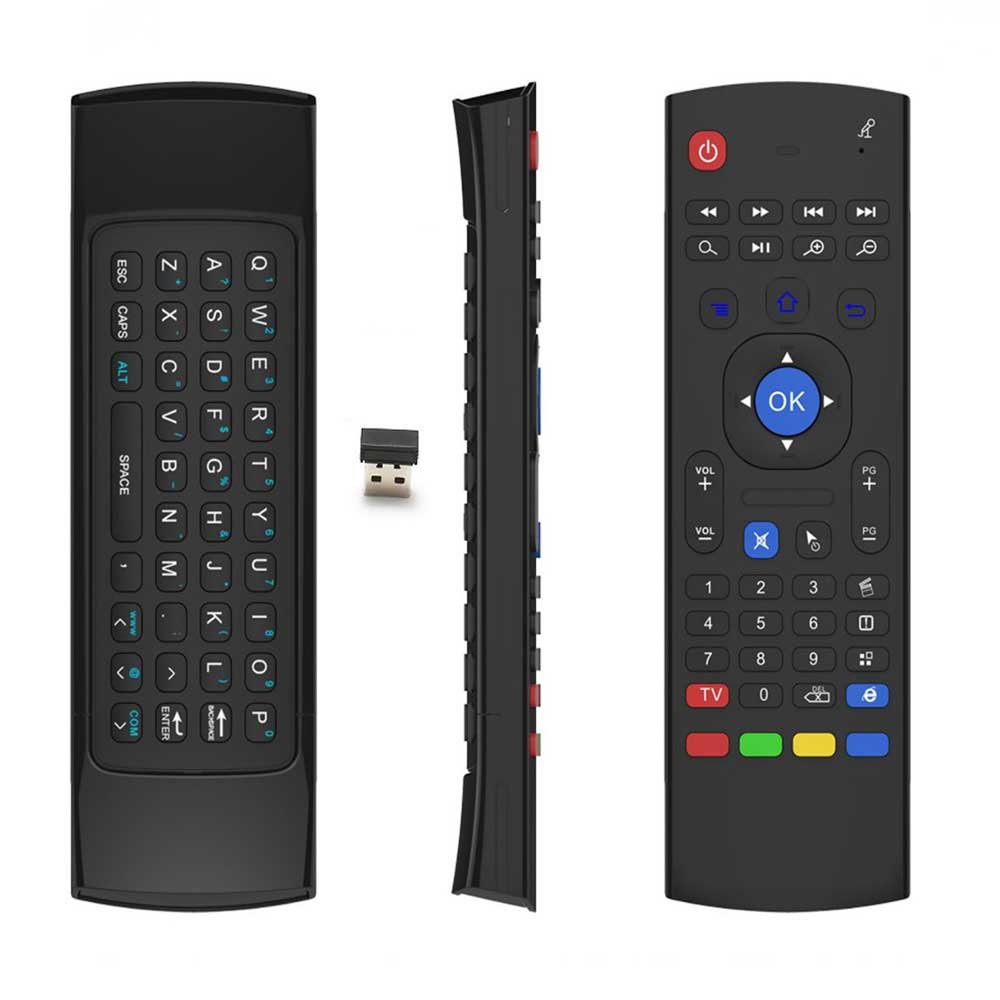
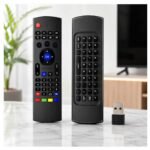
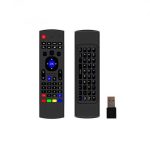
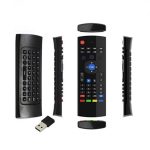
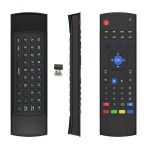
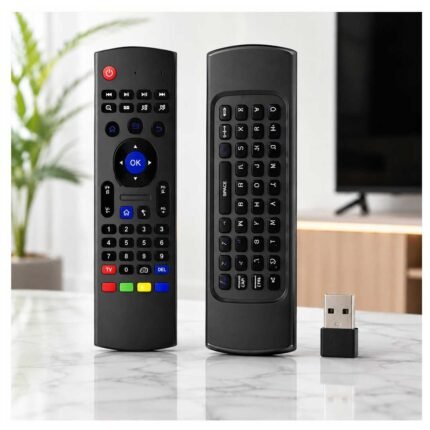
The MX3 air mouse combines a remote control, motion-sensing mouse and wireless QWERTY keyboard in one compact device. It provides a convenient way to navigate compatible Android TV boxes, computers, media players and other USB-supported devices without relying on a conventional mouse and keyboard.
Instead of repeatedly pressing directional buttons to move around an interface, the motion-sensing function allows you to control the on-screen cursor by moving the remote with your hand.
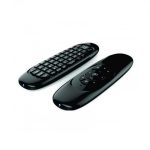
Flip the remote over and you also have access to a full QWERTY mini keyboard, making searches, usernames, web addresses and other text considerably easier to enter than with a traditional remote.
The MX3 connects through 2.4GHz wireless technology using a USB receiver and provides a working distance of up to approximately 10 metres. Your current Bdonix version also uses a rechargeable lithium battery, reducing the need to continually replace disposable batteries.
Whether you’re navigating an Android interface, searching for a video, entering text or controlling a computer from across the room, the MX3 brings multiple input functions into one handheld controller.
Features & Benefits
3-in-1 Remote, Air Mouse & Keyboard
One of the biggest advantages of the MX3 air mouse is that it combines three commonly used input methods into one device.
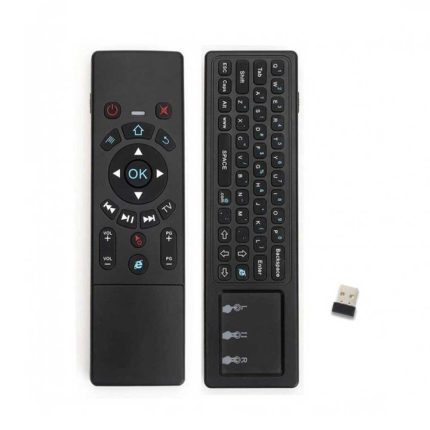
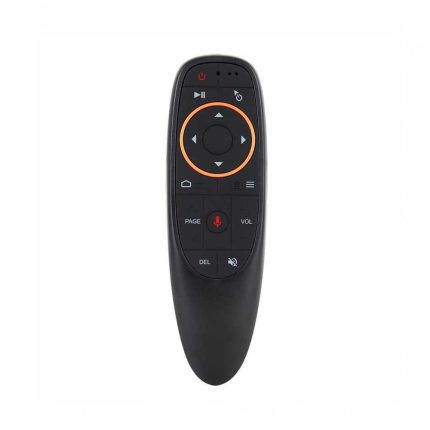
Use the front as a conventional remote for navigation and multimedia controls. Activate the air mouse when you need cursor-style movement, then flip the device over when you need to type.
This combination is particularly convenient when using interfaces that require more interaction than a traditional television remote can provide.
Instead of keeping a separate wireless mouse and keyboard beside your TV or media setup, the MX3 provides the essential controls in a compact handheld form.
Motion-Sensing Air Mouse Control
The MX3 uses a 3-axis gyroscope together with a 3-axis gravity sensor for motion-based cursor control.
Move the remote through the air and your hand movements control the cursor on the connected device’s screen. This makes navigating compatible menus, browsers and applications more natural than repeatedly pressing directional keys.
Independent MX3 documentation describes this same sensor arrangement as a 3-Gyro + 3-Gsensor system used for air-mouse cursor movement.
The cursor can also be locked when conventional button navigation is preferred.
Full QWERTY Keyboard for Easier Typing
Typing a long search query using an ordinary remote’s directional pad can become frustrating.
Turn the MX3 air mouse remote over and you’ll find an integrated QWERTY mini keyboard.
It makes everyday text entry more convenient when searching for videos, entering website addresses, typing usernames or navigating applications that require text input.
The dual-sided layout means you don’t need to keep a separate full-size keyboard nearby simply for occasional typing.
2.4GHz Wireless Connection
The MX3 wireless air mouse communicates through a 2.4GHz RF connection using its USB receiver.
Simply connect the compatible USB receiver to your device and use the remote wirelessly from a comfortable distance.
Your Bdonix MX3 specification lists a working range of approximately 10 metres and a frequency range of 2.400–2.483GHz.
Independent MX3 documentation likewise specifies 2.4GHz RF wireless operation and an approximately 10-metre operating range.
Rechargeable Lithium Battery
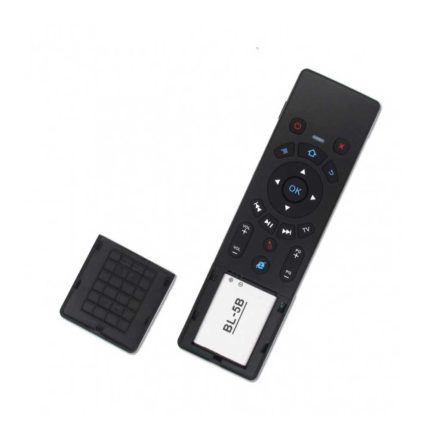
Your Bdonix version of the MX3 air mouse features a built-in rechargeable lithium battery.
This means you can recharge the remote when required rather than regularly purchasing replacement disposable batteries.
This is worth stating clearly because different MX3 variants exist and some generic versions use AAA batteries. The rechargeable-battery specification here applies specifically to the version currently described on your Bdonix product page.
Automatic Standby
The MX3 is designed to enter standby automatically after approximately 20 seconds of inactivity, according to your current product specifications.
This helps reduce unnecessary battery consumption when the remote is sitting unused.
When you’re ready to continue, the controller can be brought back into use through normal interaction.
Multimedia & Navigation Controls
The remote side provides convenient controls for navigating compatible devices without needing the QWERTY keyboard for every action.
Depending on the connected device and operating system, you can access commonly used navigation and multimedia functions directly from the remote.
This makes the MX3 particularly useful for living-room media setups where users switch frequently between browsing menus, controlling playback and entering text.
Compatible Devices & Uses
The MX3 air mouse can be useful with compatible USB-equipped devices running supported operating systems.
Your current Bdonix listing specifically states compatibility with Android, Windows and Linux.
Typical applications can include:
- Compatible Android TV boxes
- Windows computers
- Linux computers
- Media players
- Set-top boxes with compatible USB input
- Compatible large-screen or presentation setups
Important: USB connectivity alone does not guarantee that every button or function will work with every television, box or operating system. Device support can vary depending on its USB input support, operating system and software implementation.
That compatibility clarification is useful for reducing returns and customer confusion.
What’s Included in the Box
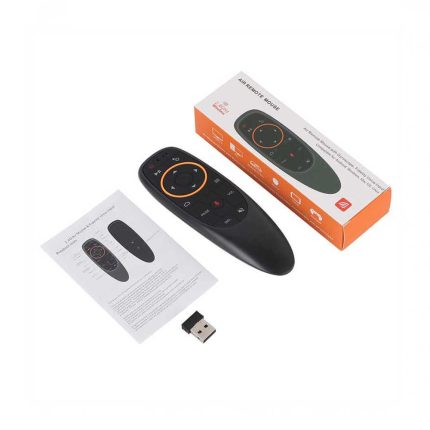
Your current Bdonix listing states that the package contains:
1 × MX3 Air Mouse
1 × Charging Cable
1 × User Manual
Important before publishing
I would physically check whether your stock also contains the 2.4GHz USB receiver and then add:
1 × USB Wireless Receiver
The remote requires a USB receiver for its 2.4GHz connection, but your current “Package Includes” section doesn’t explicitly list one. I would not claim it is included until you verify the physical box.
Why Choose an MX3 Air Mouse?
The MX3 air mouse is particularly useful when a standard remote becomes inconvenient for modern screen interfaces.
Traditional television remotes work well for basic directional navigation, but entering text or controlling an on-screen pointer can take considerably longer.
The MX3 solves this by combining motion-based cursor control, remote buttons and a QWERTY keyboard in one device.
For users of compatible Android TV boxes, media systems or computers connected to a larger display, this means fewer separate input devices and easier navigation from a comfortable distance.
Its rechargeable battery, approximately 10-metre wireless range and automatic standby functionality also make it suitable for regular home or office use.
Frequently Asked Questions
What is an MX3 air mouse?
The MX3 air mouse is a wireless handheld controller that combines remote-control functions, motion-sensing cursor control and a mini QWERTY keyboard.
How does the MX3 air mouse work?
The remote uses motion sensors to translate hand movements into cursor movement on a compatible connected device. Wireless communication takes place through a 2.4GHz USB receiver.
Does the MX3 have a keyboard?
Yes. Flip the remote over to access its integrated full QWERTY mini keyboard, which can be used for compatible text-entry functions.
What is the wireless range of the MX3?
Your Bdonix MX3 specification lists a working distance of up to approximately 10 metres.
Does the MX3 use Bluetooth?
The version currently listed by Bdonix uses 2.4GHz RF wireless communication, not a standard Bluetooth connection. It operates using a compatible USB receiver.
Is the MX3 air mouse rechargeable?
Yes. The specific MX3 version currently listed by Bdonix uses a rechargeable lithium battery.
Does the MX3 work with Android?
Yes. Android is included among the supported operating systems in your current product specifications.
Does the MX3 work with Windows?
Yes. Your Bdonix MX3 listing specifies Windows compatibility.
Can I use the MX3 with a Smart TV?
It depends on the specific television. The TV needs to support the required USB input/device functionality, and individual buttons or functions may vary between manufacturers. MX3 documentation also notes that universal-controller functions can differ between devices.
Complete Your TV & Media Setup
Pair your MX3 air mouse with compatible TV and media accessories available from Bdonix.
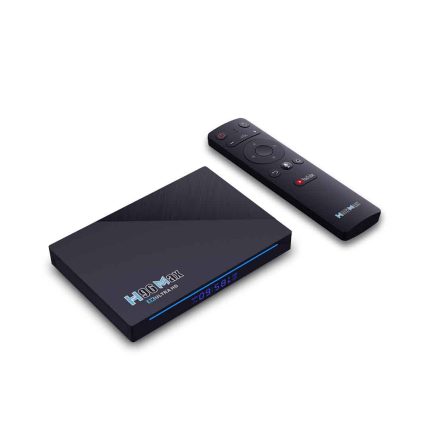
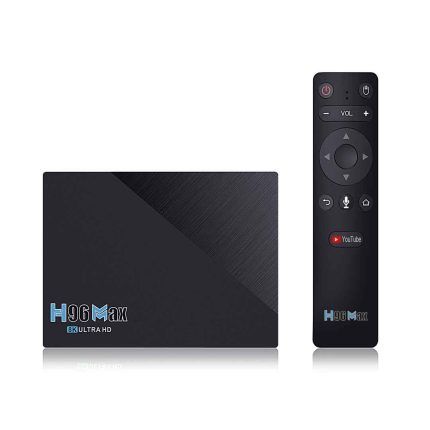
If you’re using an Android TV box or media player, explore our TV receivers and media accessories for compatible devices and accessories.
You can also pair your setup with a suitable HDMI cable for connecting compatible media devices to a television or monitor.
For computers and devices with limited connectivity, browse our USB accessories and adapters to find compatible connectivity solutions.
Internal links to insert here:
TV Receivers category → Parent/category link
Android TV Box → Cross-sell
HDMI Cable → Cross-sell
USB Hub/Adapter → Cross-sell
Higher-spec air mouse/voice remote → Upsell/alternative, if available
This section is where I would intentionally place most of your cross-sell and upsell links rather than randomly stuffing product links throughout the description.
MX3 Air Mouse for Convenient Wireless Control
The MX3 air mouse combines three useful input methods into one compact controller: a traditional remote, motion-sensing wireless mouse and full QWERTY mini keyboard.
Its 2.4GHz wireless connection, up to 10-metre operating range, rechargeable lithium battery, motion sensors and USB connectivity make it suitable for controlling compatible Android, Windows and Linux devices from a distance.
For users who regularly search, type or navigate cursor-based interfaces on a larger screen, the MX3 provides a more flexible alternative to relying only on a conventional directional remote.
Stay Connected with Bdonix
Follow Bdonix for TV accessories, computer accessories, mobile gadgets and new technology products.
📘 Facebook
📸 Instagram
𝕏 X (Twitter)
📌 Pinterest
👻 Snapchat
🎵 TikTok
▶️ YouTube
Detail:
This Product Is A Remote Controller With The Function Of Mouse, Keyboard, multimedia, Android control, and motion-sensing support. It Can Provide People A Unique And Capable Tool To Operate Their PC, Smart TV, Android TV Box, Media Player, Set Top Box. It Is Plug And Play, Simple And Smooth. It Is Widely Used For: Controlling Presentations, Teaching And Lecturing With Larger Screen Or Projector Up To 10m. Anyone Who Wants To Control Their Computers From The Comfort Of Their Couch.The Full QWERTY Keyboard Allows For Convenient Typing From The Same Device.
Specification:
- Sensor: 3-Axis Gravity Sensor, 3-Axis Gyroscope
- Communication: 2.4 GHz
- Working Distance: 10m
- Frequency: 2.400 – 2.483 GHz
- Working Current: < 20 mA
- Standby Current: <<20uA
- Battery: Rechargeable Lithium Battery
- Indicator: 1 LED Indicator
- USB: USB2.0
- System: Compatible With Windows, Linux, Android
- Full QWERTY Keyboard Layout
- Convenient Typing
- Fast Key Response
- Auto Standby After 20 Seconds
Package Includes:
- 1 x mx3 air mouse
- 1 x Charging Cable
- 1 x User Manual






Reviews
There are no reviews yet.